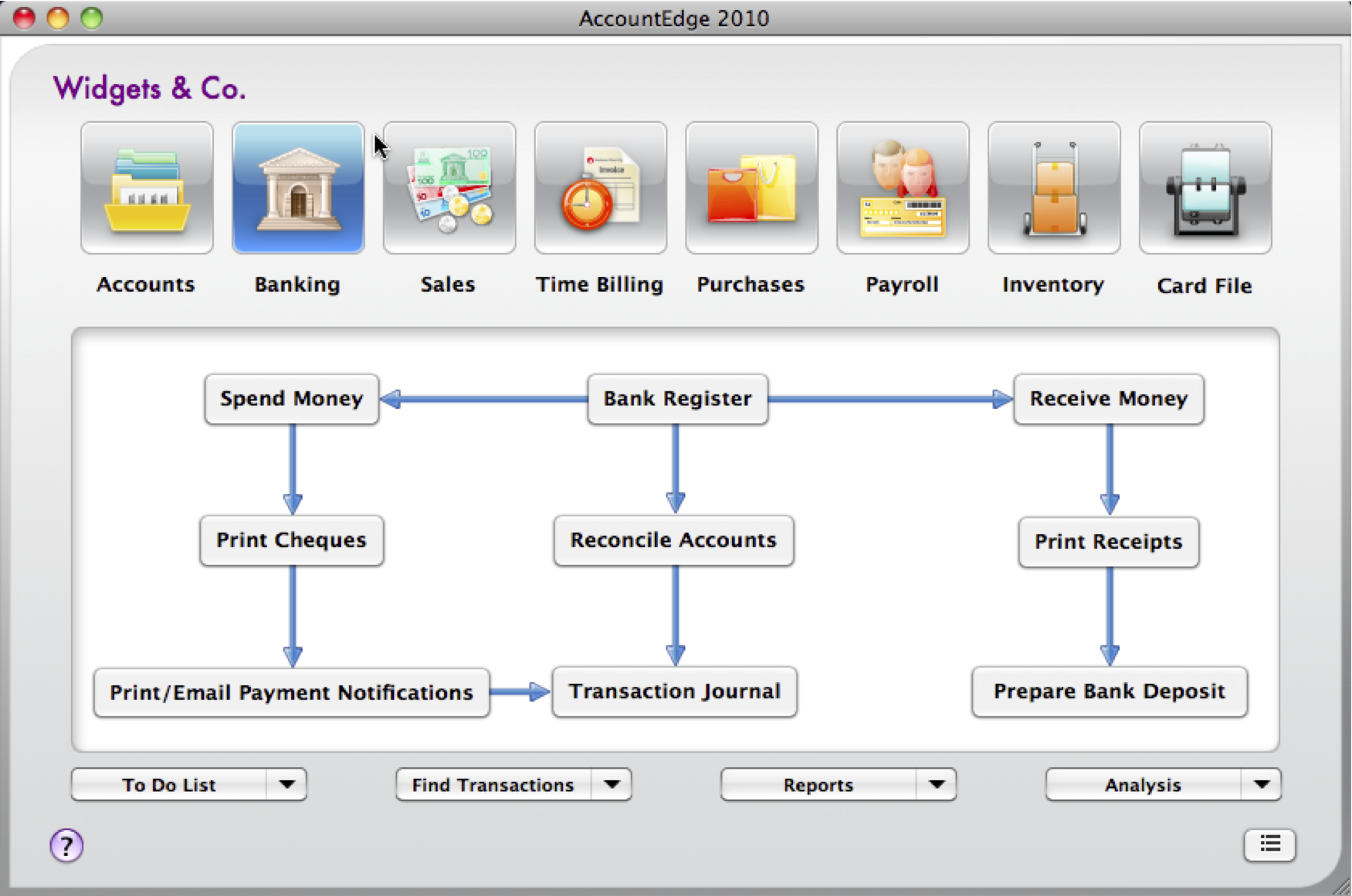
There are eight command centres in your AccountEdge software. The following is an illustration of the
Sales command centre.
Each command centre contains a row of icons in the top section of the window. These icons allow you to switch between command centres.
The selected icon represents the current command centre, and the flowchart displayed below the icons illustrates the major tasks associated with that command centre. (For example, when the
Sales icon is selected, tasks such as
Enter Sales and
Print/Email Statements—typical tasks you would complete in relation to sales—appear in the command centre’s flowchart.)
There are four menus at the bottom of each command centre. The options available from these menus are described below.


) and hold down the mouse button next to the option you want. A menu appears, listing the available options for all command centres (not just the command centre you are in). Make a selection from this list.