New Features > Mileage Tracking
To create a vehicle list
1
Go to the Lists menu and select Mileage. Select Vehicles from the menu. The Vehicle List window appears.
2
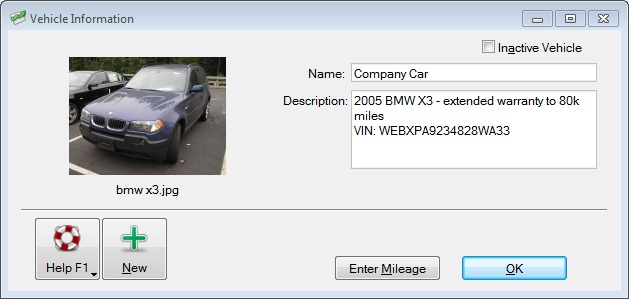
Click New. The Vehicle Information window appears. Enter the appropriate information.
3
To create a list of standard mileage rates
1
Go to the Lists menu and select Mileage Rates from the menu. The Standard Mileage Rates window appears.
2
Click New. The Standard Mileage Rate Information window appears.
3
Enter the Effective Date and Rate per Mile.
4
Click OK.
To create a mileage slip
Go to the Accounts command center and click Mileage Log. The Mileage Log window appears.
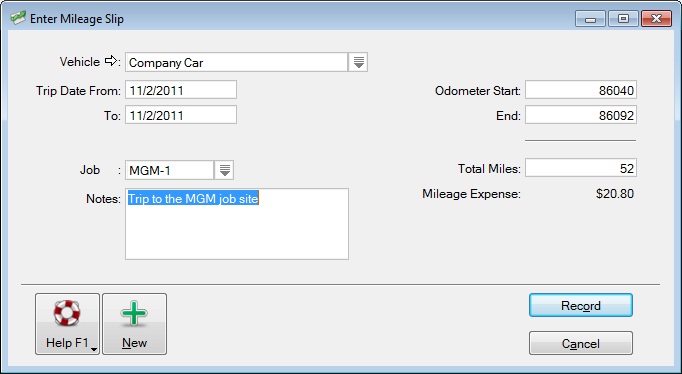
Click New. The Enter Mileage Slip window appears.

Click to show more information

Top of page