New Features
> Tax State Field on Sales
Tax State Field on Sales
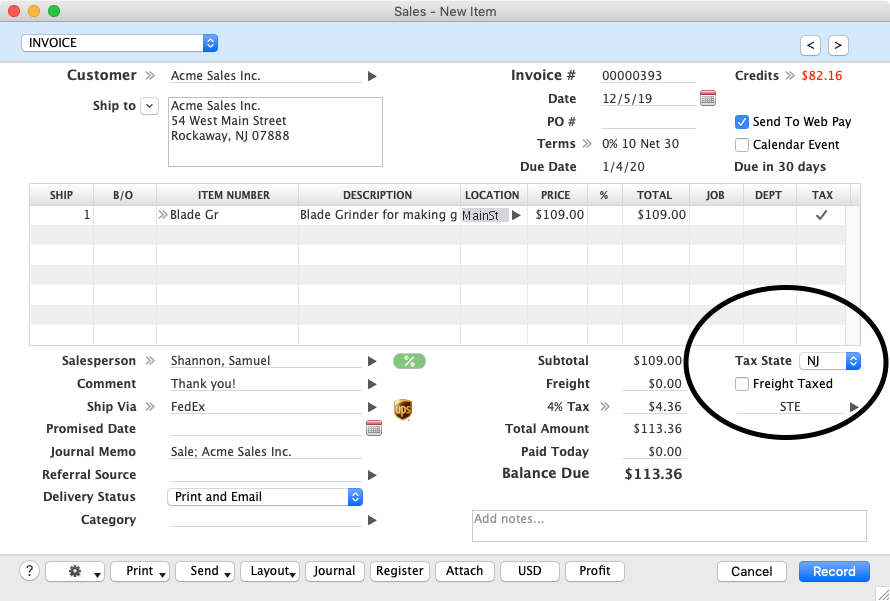
In order to categorize sale by state for sales tax and other reporting, you can choose the state that state from a new drop down menu. When used, the sale will be displayed on the Sales Tax by State reports.
This field will be pre-populated with the corresponding state chosen for the Ship To field. If no state is on the customer Card for that address or it is not a valid abbreviation, you can choose a state from the drop down menu.
If you change the Address to be used for the Ship To on the top of the sale, the Tax State field will change to match what is entered on the customer Card.
Back to New Features List
Top of page